
DraftLens · Design / CAD · Chrome extension
Open DWG and DXF files in Chrome, free
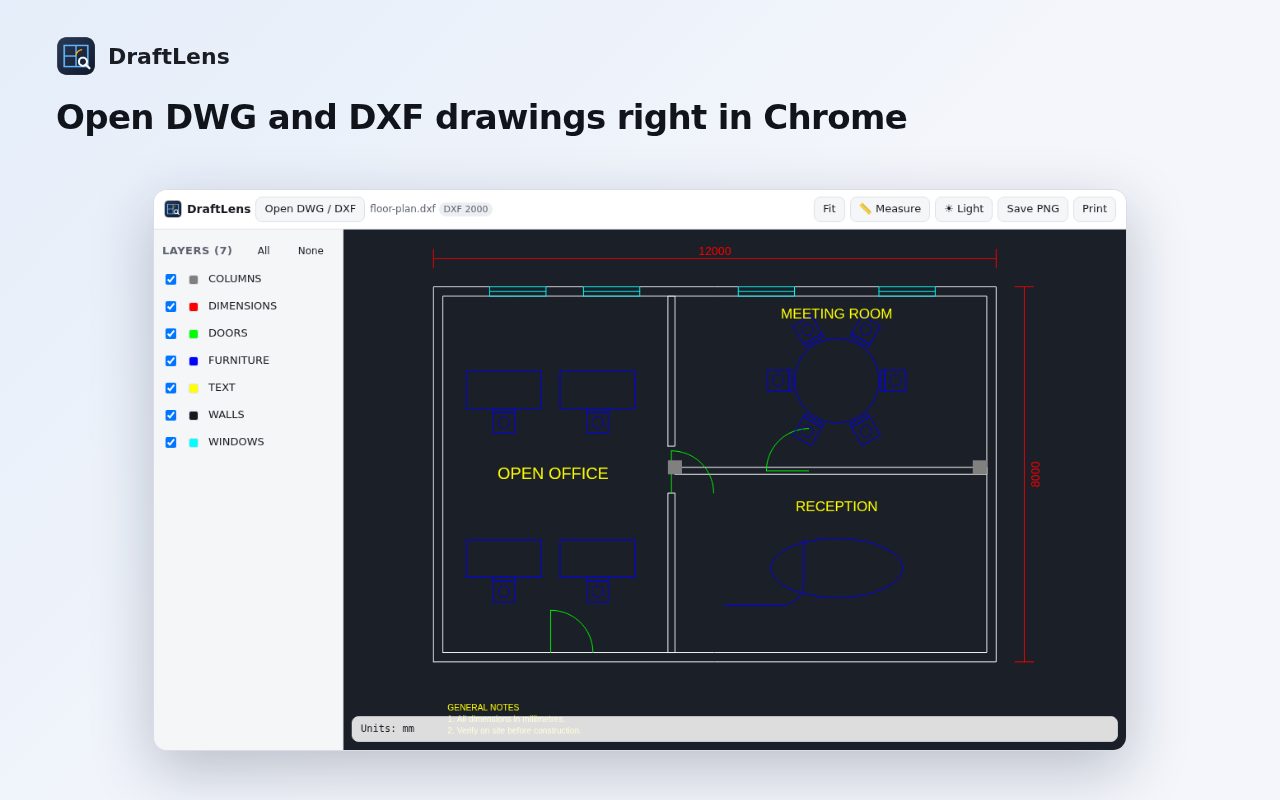
DraftLens opens AutoCAD® DWG and DXF drawings right in your browser, with no CAD software to install. Handy on a Chromebook, a client's PC, or when you just need a quick look.
Add to Chrome, it's freeFree · Works in Chrome and on Chromebooks · Privacy policy
What it does
- Open DWG and DXFDrag a .dwg (R13 to 2018+) or ASCII .dxf file onto the page, choose a file, or right-click a drawing link and pick “Open drawing in DraftLens”.
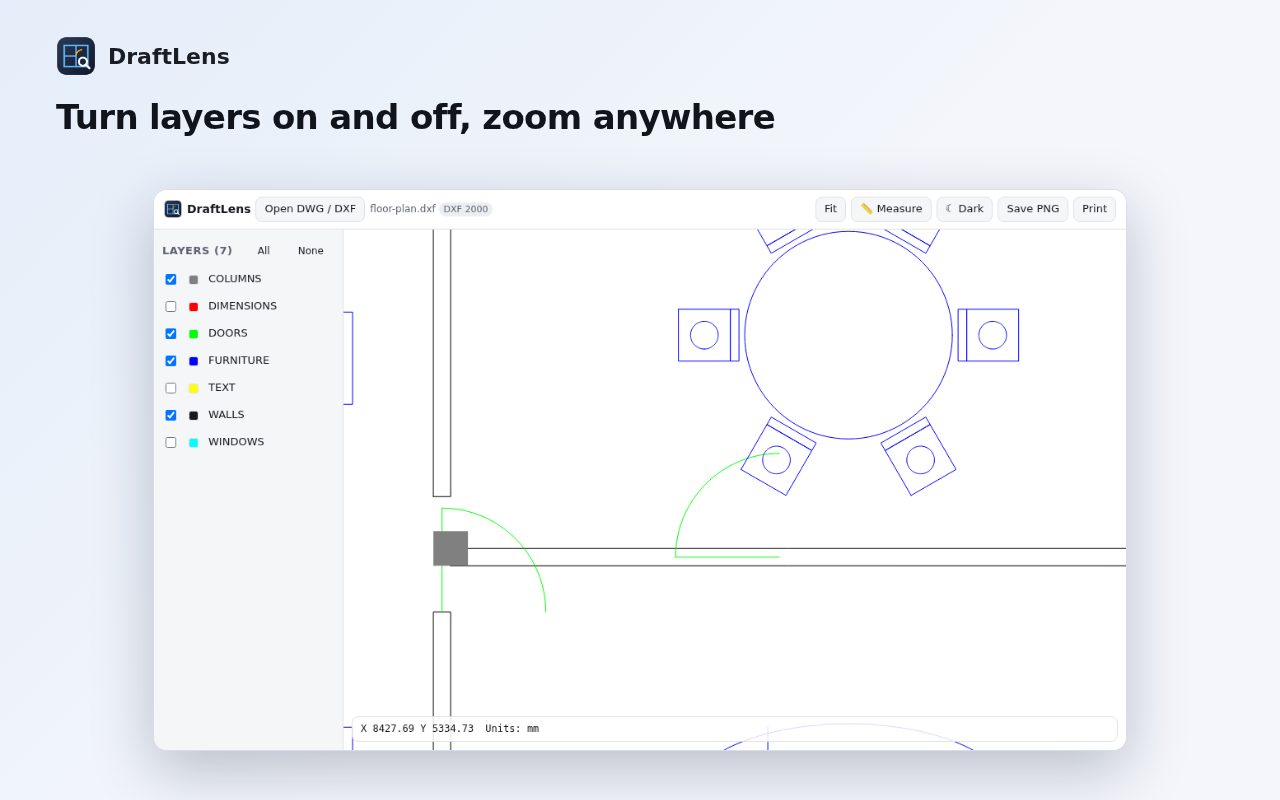
- Pan, zoom, fitSmooth with mouse, trackpad or pinch. Double-click or press F to fit the drawing.
- LayersTurn layers on and off and see their colors.
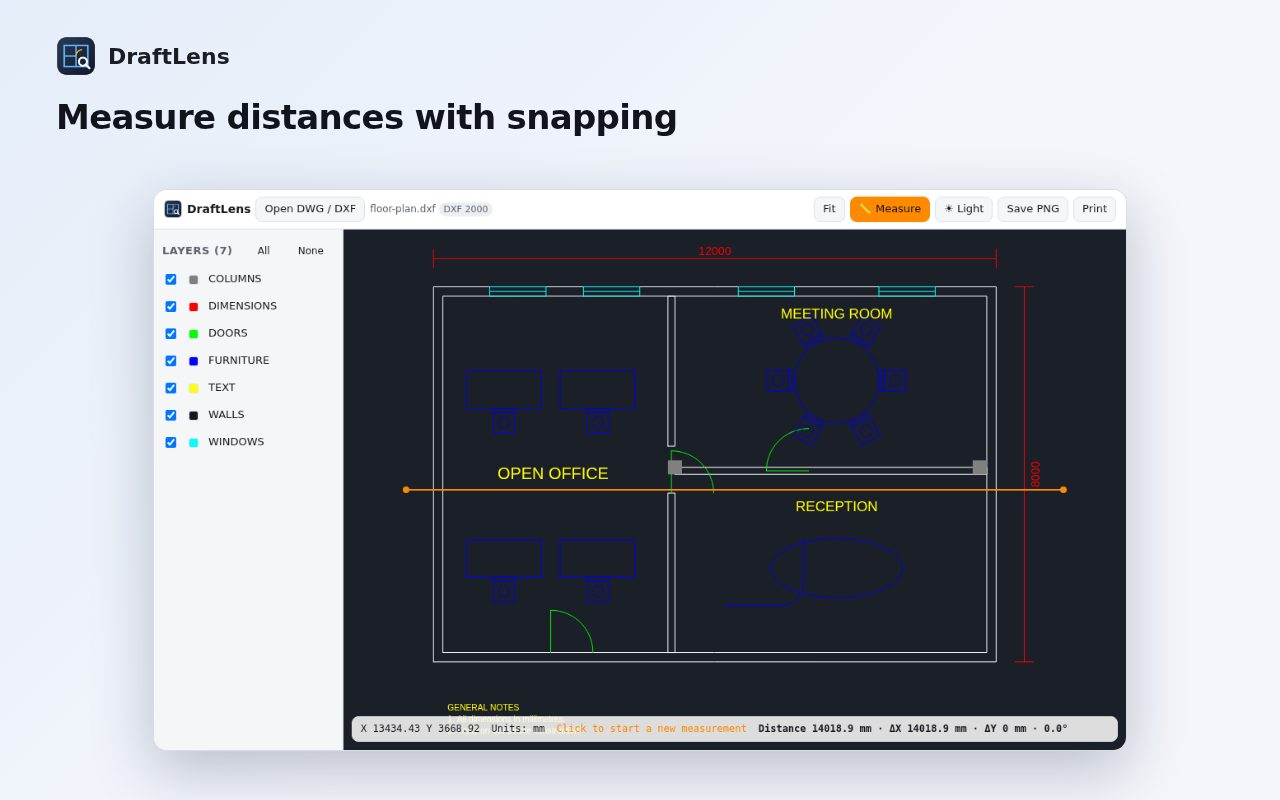
- MeasureMeasure distances with snapping to endpoints and centers, in the drawing's own units, with ΔX, ΔY and angle.
- Save or printSave the current view as a PNG, or print it.
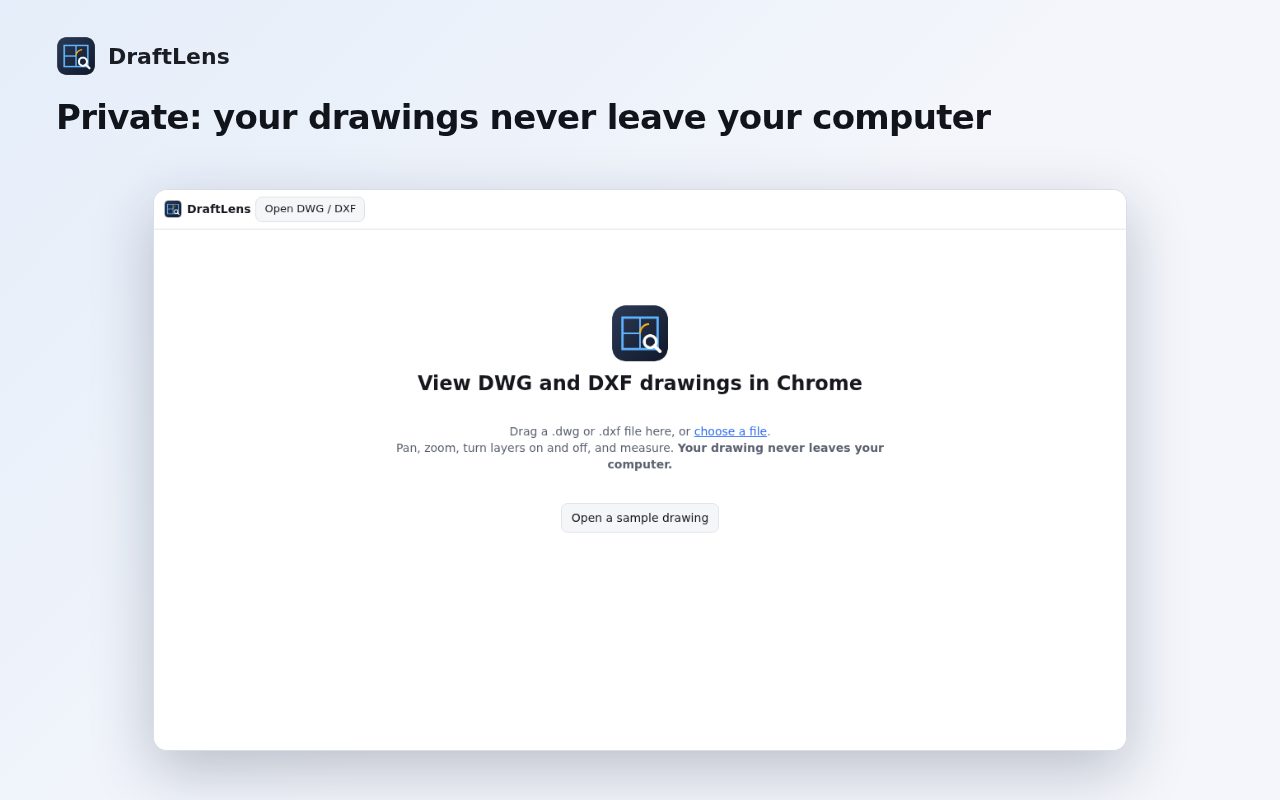
- PrivateDrawings are processed in your browser and never uploaded. No account, no ads.
Questions
How do I open a DWG file on a Chromebook?
Install DraftLens, click its icon and drop the .dwg file onto the page. It works fully in Chrome, so no Linux apps or CAD installs are needed.
Do my drawings get uploaded?
No. DraftLens reads the file inside your browser with the open-source LibreDWG library. Nothing leaves your computer.
Can I edit drawings?
No, DraftLens is a viewer: open, navigate, toggle layers, measure, save as PNG and print.
What isn't supported yet?
Binary DXF, paper-space layouts, 3D solids, embedded images and external references.
Is it really free?
Yes. DraftLens is free and open source (GPL-3.0).
Guide
AutoCAD is a registered trademark of Autodesk, Inc. DraftLens is not affiliated with Autodesk.
More free tools
 SuggestScopeFree Amazon keyword research, from what shoppers actually type
 FairFillFill and sign any PDF, even ones without form fields
 NanoEventTurn emails, flyers and screenshots into calendar events
 OmniSearchSearch any site straight from the address bar
 ConvertLocalConvert PDFs on your computer. Nothing is uploaded.
 SpeakTypeVoice typing in any text box on the web
 ClearRecA reliable voice recorder for Chrome, with no time limit
 RollCallTake attendance in Google Meet™ automatically