
NanoEvent · Productivity · Chrome extension
Turn emails, flyers and screenshots into calendar events
On any website, not just your inbox: select a booking email, a flight confirmation, meeting notes or a flyer, or crop a screenshot, and NanoEvent reads the title, date, time and location for you. Then add it to Google Calendar, Outlook, or any app that opens .ics files.
Add to Chrome, it's freeFree · Works in Chrome and on Chromebooks · Privacy policy
What it does
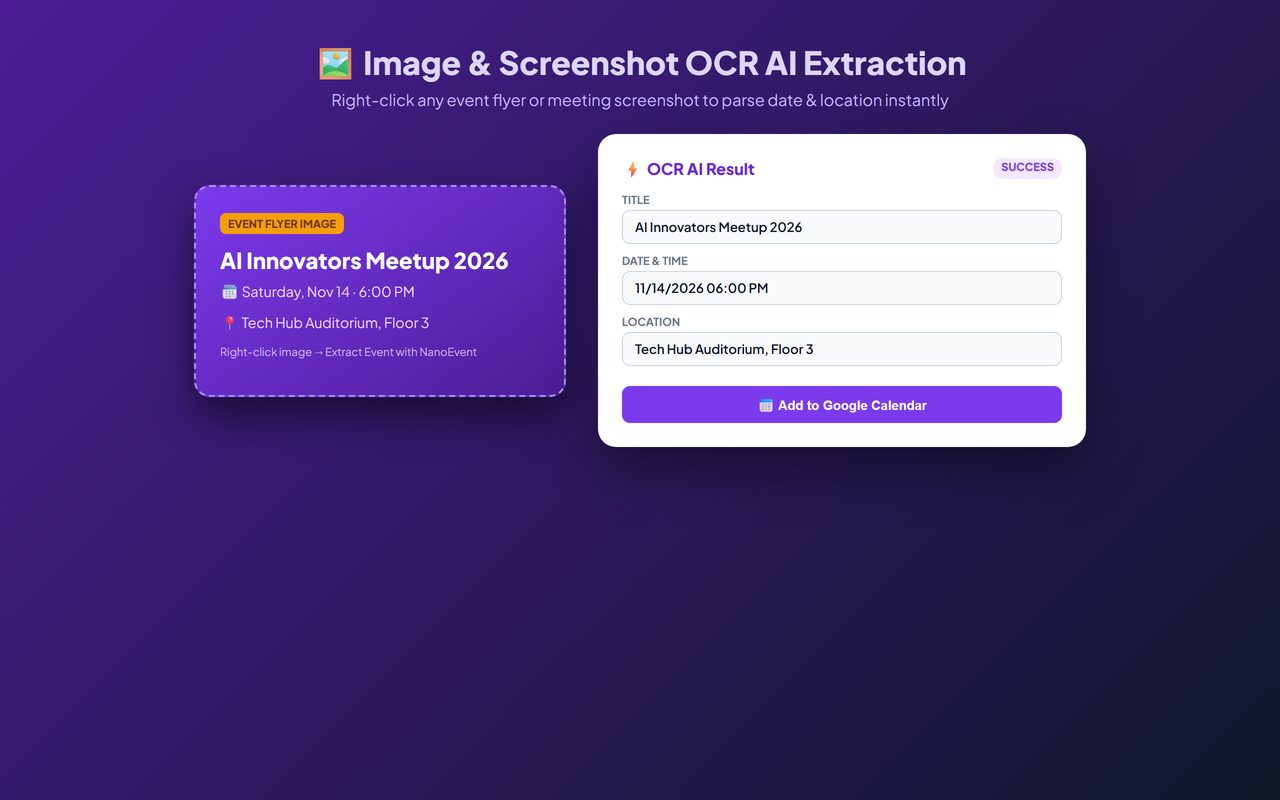
- Right-click to extractHighlight text on any page and right-click, or right-click an image.
- Screenshot cropDrag over part of a page, such as a poster, schedule or booking page, and extract events from it.
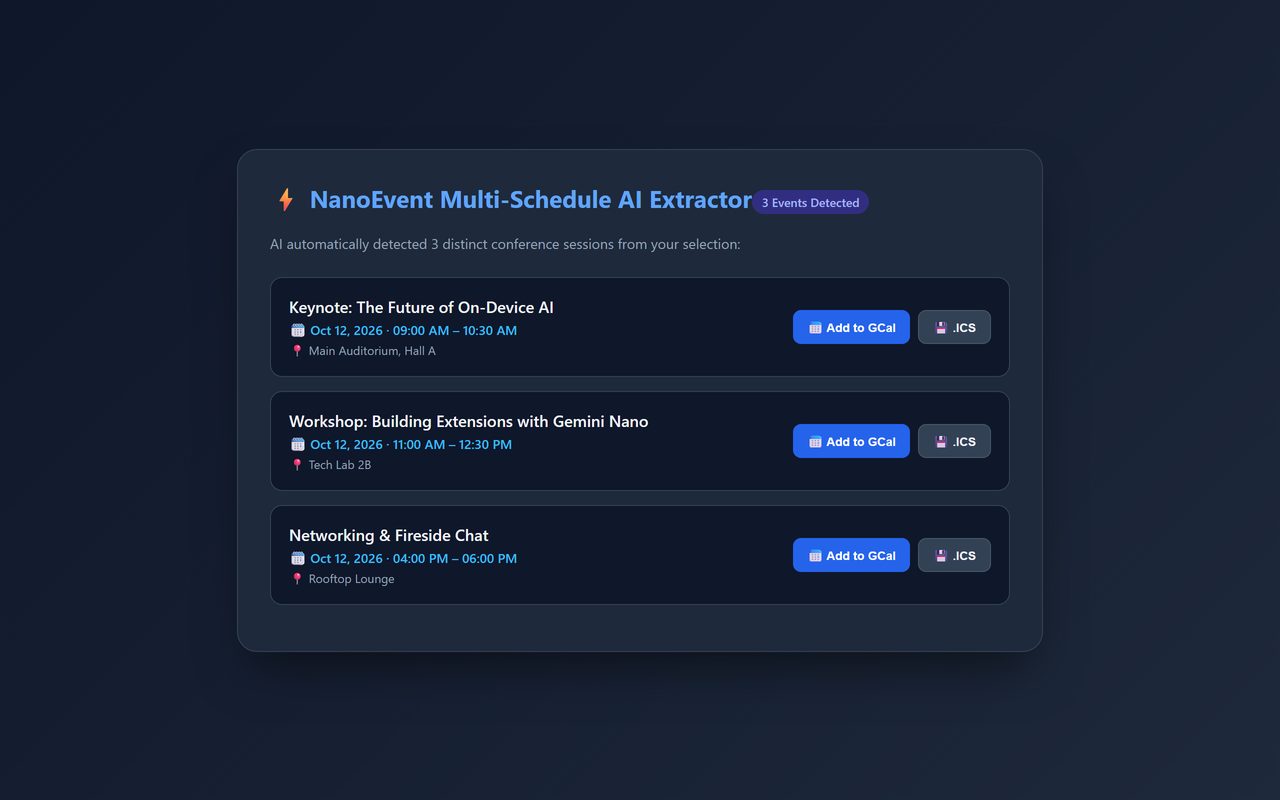
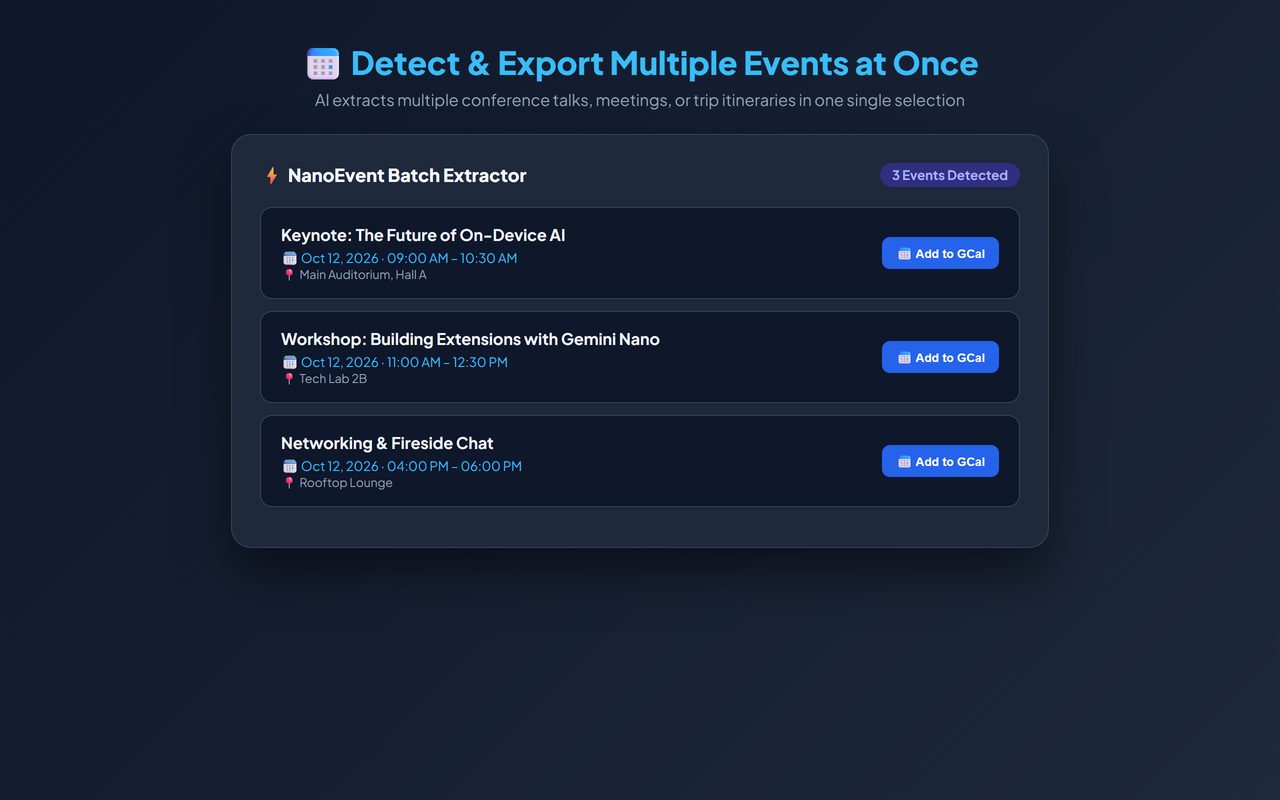
- One event or a whole scheduleDetects several events at once. Preview each one and export the ones you want.
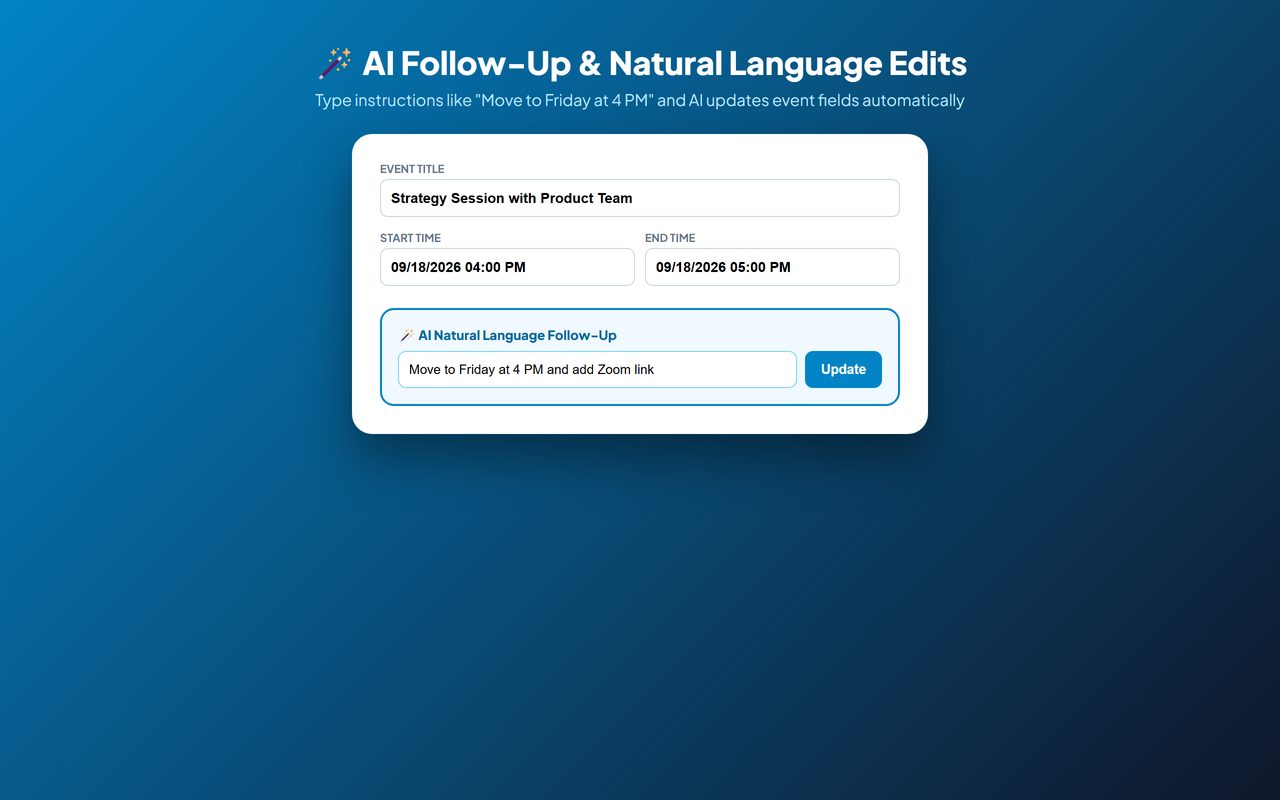
- Fix it in plain wordsType “move to Friday at 4 PM” and NanoEvent updates the event.
- Export anywhereGoogle Calendar, Outlook on the web, or a .ics file for any calendar app.
- FreeNo trial, no subscription and no account.
Questions
How do I add an event to Google Calendar from an email?
Select the email text, right-click and choose the NanoEvent item, check the details, then click Add to Google Calendar.
Can it read events from an image or screenshot?
Yes. Right-click an image, or use the crop tool to select part of the page.
Does NanoEvent send my data anywhere?
Only the text or image you select is sent to an AI service to read the event details. Nothing else on the page is collected.
Is it free?
Yes, completely.
Guide
More free tools
 DraftLensOpen DWG and DXF files in Chrome, free
 SuggestScopeFree Amazon keyword research, from what shoppers actually type
 FairFillFill and sign any PDF, even ones without form fields
 OmniSearchSearch any site straight from the address bar
 ConvertLocalConvert PDFs on your computer. Nothing is uploaded.
 SpeakTypeVoice typing in any text box on the web
 ClearRecA reliable voice recorder for Chrome, with no time limit
 RollCallTake attendance in Google Meet™ automatically