Guide · Education
Google Meet attendance extension gone? Here's a free alternative
If your attendance extension suddenly disappeared from Chrome or stopped recording, you're not alone: the widely recommended “Google Meet Attendance” extension is no longer listed in the Chrome Web Store. You don't have to go back to screenshots of the participant list.
Step by step
Remove the old extension
Open chrome://extensions and remove any attendance extension that no longer works or that Chrome has turned off.
Add RollCall to Chrome
Install RollCall from the Chrome Web Store. It's free with no account, and it only runs on meet.google.com.
Bring your class lists
Open RollCall's side panel and paste your roster, one name per line. Names are matched in any order, so “Lovelace, Ada” matches “Ada Lovelace”.
Teach as usual
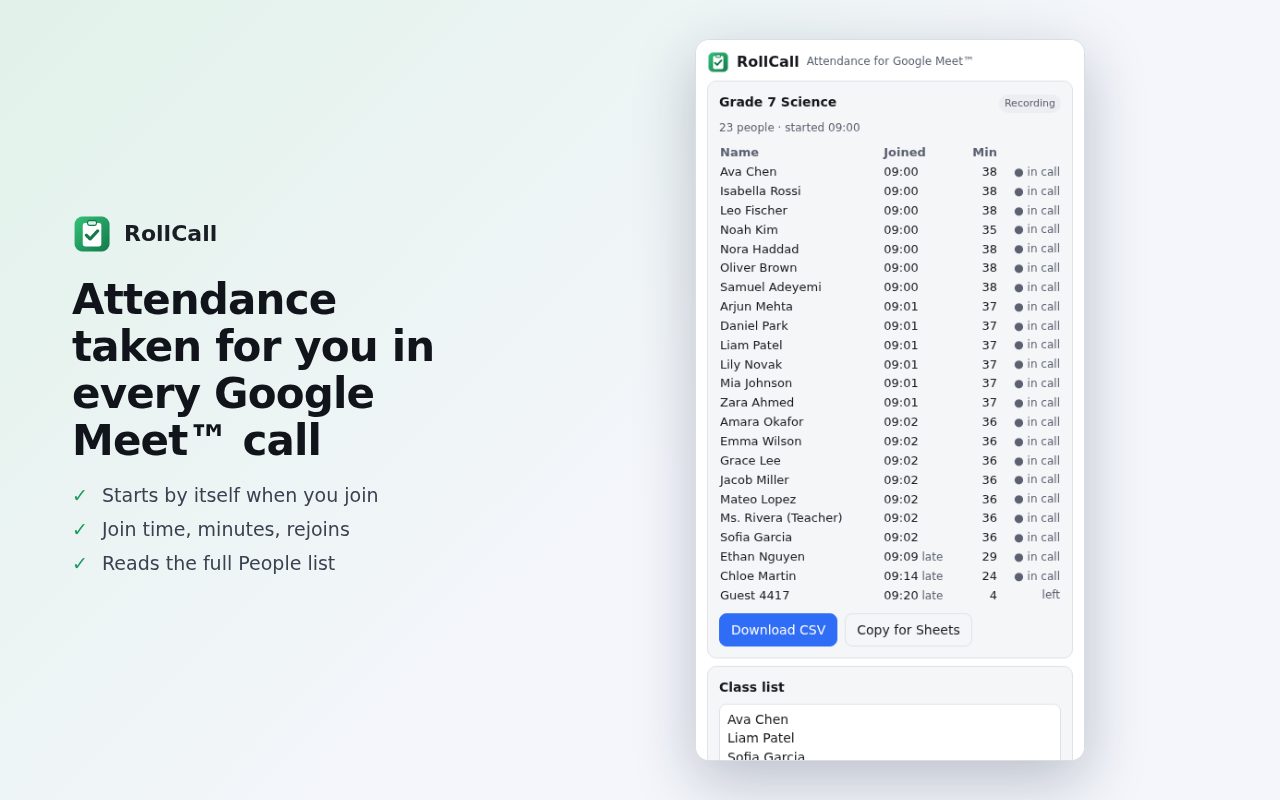
Join your Meet call. RollCall records everyone who joins, with join time, minutes in the call and rejoins. Open Meet's People panel once so every name is seen.
Export
Download a CSV, copy a table into Google Sheets, or have a CSV saved automatically when each call ends.
Tips
- Set “late after N minutes” and a minimum time in the call to match your school's attendance rules.
- Names and attendance stay on your computer; RollCall never uploads them.
Other ways to do it
If your school's Google Workspace edition includes Meet attendance tracking, the meeting host gets an attendance report by email after each call. Ask your Workspace admin whether it's turned on.
Questions
Why did my attendance extension disappear?
Chrome removes or turns off extensions that are taken down from the Chrome Web Store. The “Google Meet Attendance” extension is no longer listed there.
Does RollCall need a paid Google Workspace plan?
No. It works with any Meet call you join in Chrome, including free and school accounts.
Is student data uploaded?
No. Names and attendance stay in Chrome on your computer.
More guides
- How to open a DWG file on a Chromebook
- How to fill and sign a PDF in Chrome, free
- How to take attendance in Google Meet automatically
- How to turn an email or flyer into a Google Calendar event
- How to convert a PDF to Word without uploading it
- How to record audio on a Chromebook, with no time limit
- How to use voice typing on any website in Chrome
- How to do Amazon keyword research for free
- How to type on a PDF that isn't fillable
- How to combine JPG photos into one PDF without uploading them
- How to add an event from a screenshot or poster to Google Calendar
- How to search any website from Chrome's address bar